Thanks for downloading MobiFlight
Your installer should start automatically. While you wait, here are the best next steps.
Your download should start automatically. If it does not, click here to manually download the installer .
Step 1: Learn the basics
Start with the quick-start docs and the getting-started video to configure your first working setup.
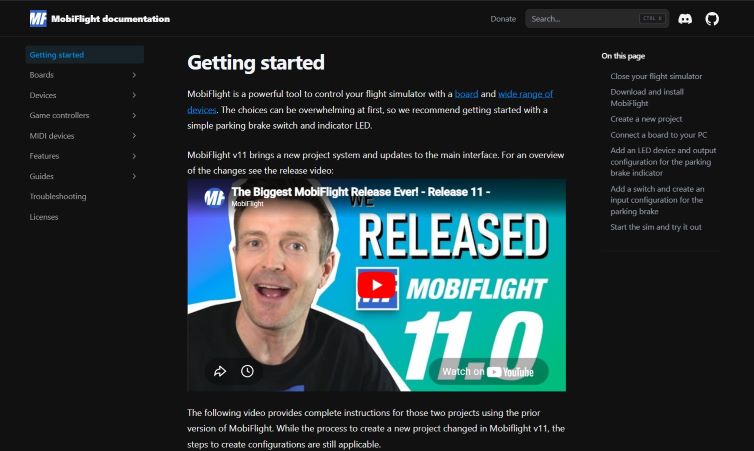
Quick-start documentation
Follow the starter guide for MSFS and X-Plane, from first connection to first working button mapping.
Open the docsGetting started video
Watch the full walkthrough and see how a complete setup is built from install to first flight.
Watch on YouTubeStep 2: Support the project and join the club
MobiFlight is free and open source. If it helps your sim experience, you can support development and unlock more community benefits.


Donate and sponsor
Help keep MobiFlight free for everyone by supporting recurring development and maintenance.
Membership and MobiFlight Club
Join the club for a closer connection to the community and future member-focused features at club.mobiflight.com.
Step 3: Get hardware and start building
Visit the community shop for starter-compatible hardware and accessories you can use immediately with MobiFlight.
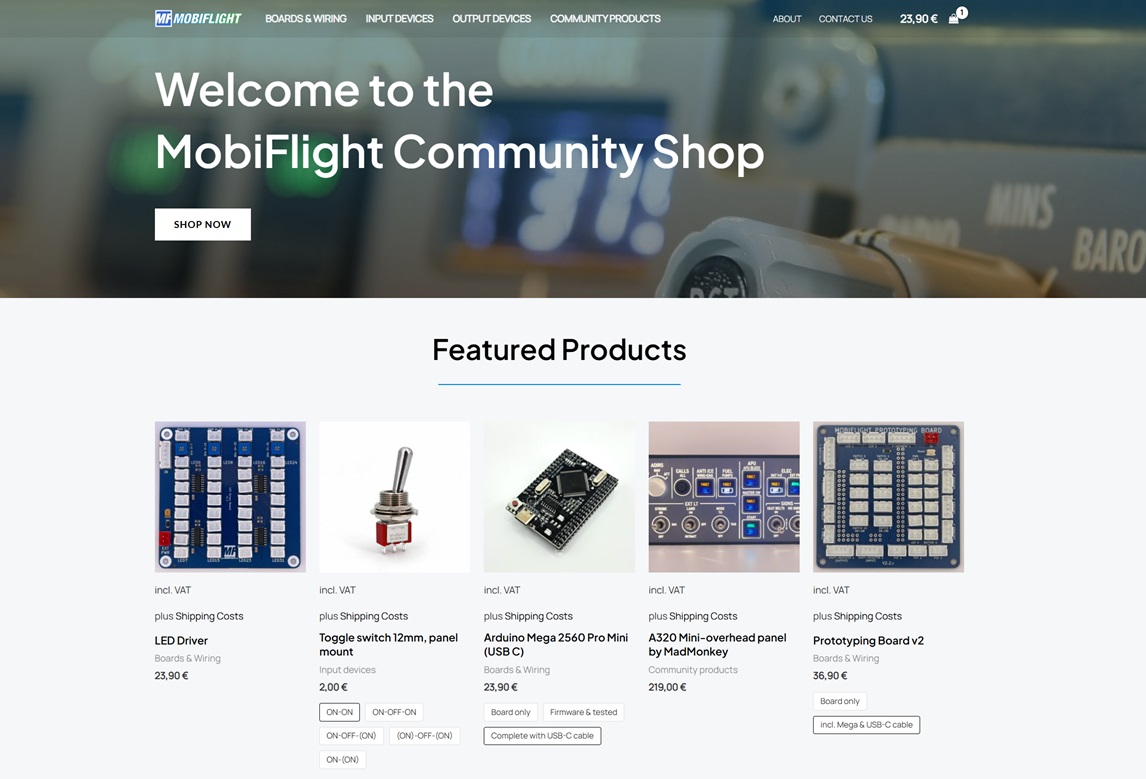
MobiFlight Community Shop
Boards, modules, and cockpit accessories selected to work well with the MobiFlight ecosystem.
Visit the shopStep 4: Get support and share your progress
Join our Discord server to share your progress, ask questions, and connect with other MobiFlight builders and sim pilots around the world.
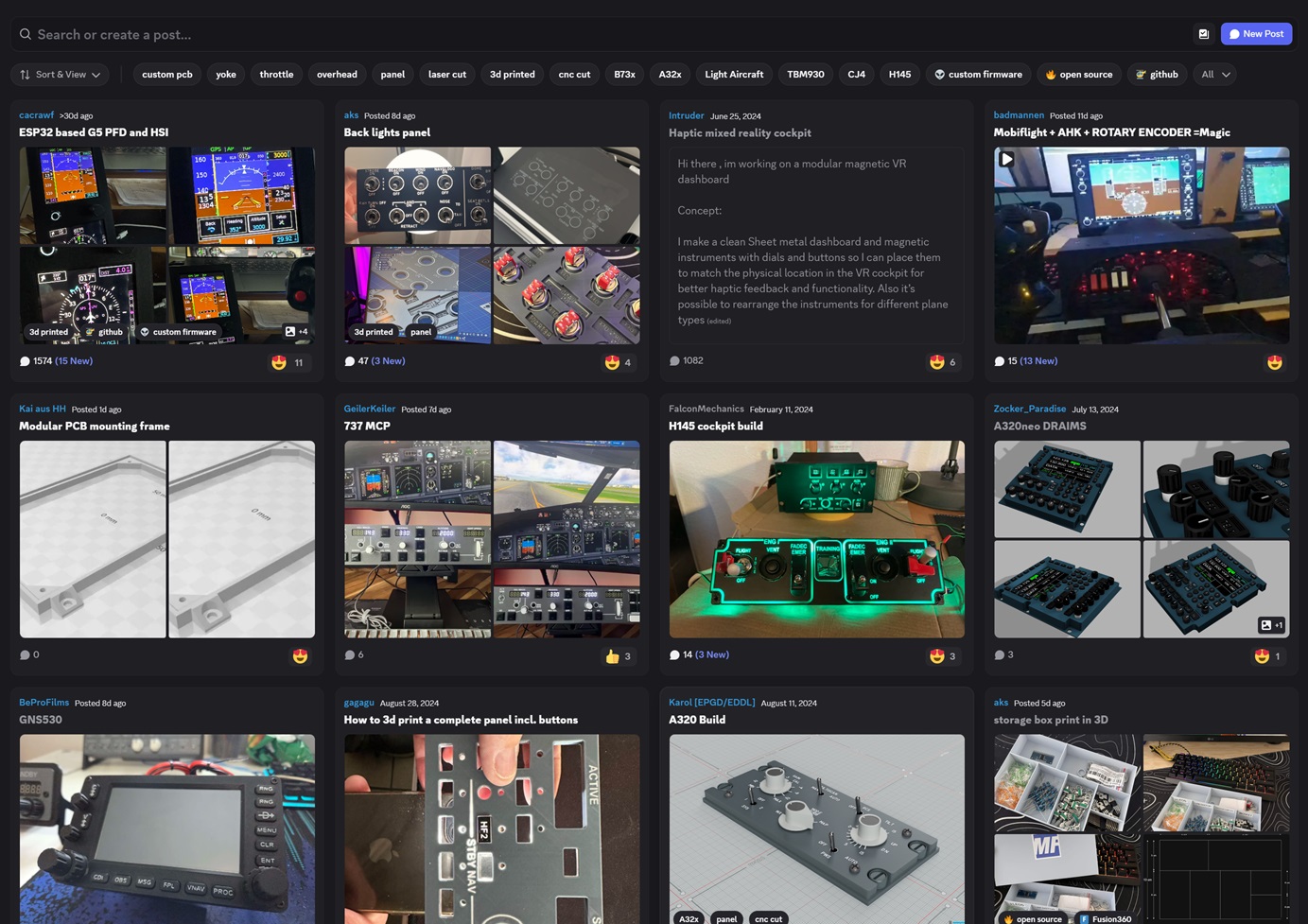
MobiFlight Discord Community
The heart of the MobiFlight ecosystem is the people who use it, and our Discord server is where they come together to help each other and share their creations.
Join the Discord